
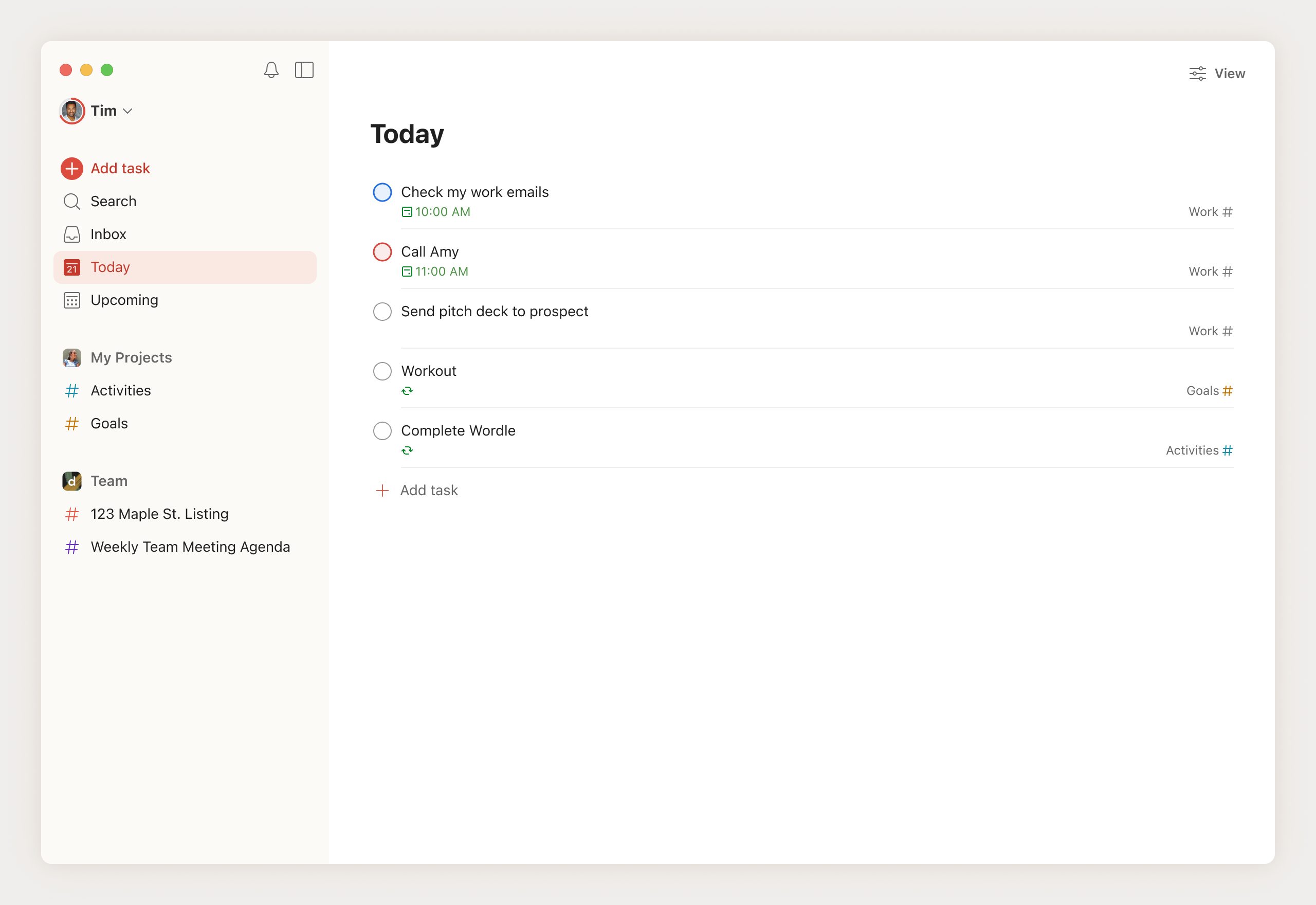
A powerful task management app that turns chaos into clarity – perfect for juggling work deadlines, family life, and those little daily tasks.
Welcome to Mars Money Lab’s Todoist review 2025. I’ve been using it daily since January 2018 (over 2,859 consecutive days in November 2025), and it’s still the one app I 100% trust with my entire life — from manager deadlines at work, Outplayed matched-betting pipelines, and Koinly tax imports… to planning Euro trips, booking trains and ferries, preparing the car for a two-week Europe drive, renewing passports on time, and packing lists that actually get used — without ever feeling overwhelmed.
What is Todoist?
Todoist is a dead-simple, lightning-fast task manager that works on every device you own and lets you capture anything in seconds using normal language in English or 25+ other languages (auto-detects your app settings). You type something like:
Lay £10 Cheltenham qualifier tomorrow 2:30pm #Outplayed p1 orImport Koinly CSVs by 15 Jan 2026 recurring yearly #CryptoTax p1 orBook LeShuttle 10 August 2026 9am #Travel p2
…hit enter, and Todoist instantly understands the date, time, priority, project, and labels. Zero clicking around. That single natural-language magic (plus rock-solid sync across phone, laptop, watch, browser, and email) is the reason I’ve never seriously considered anything else since 2018. It’s not the flashiest app. It’s just the one that never gets in the way and never lets anything slip — whether it’s a £50 free bet, a tax deadline, or remembering to pack the kids’ passports.
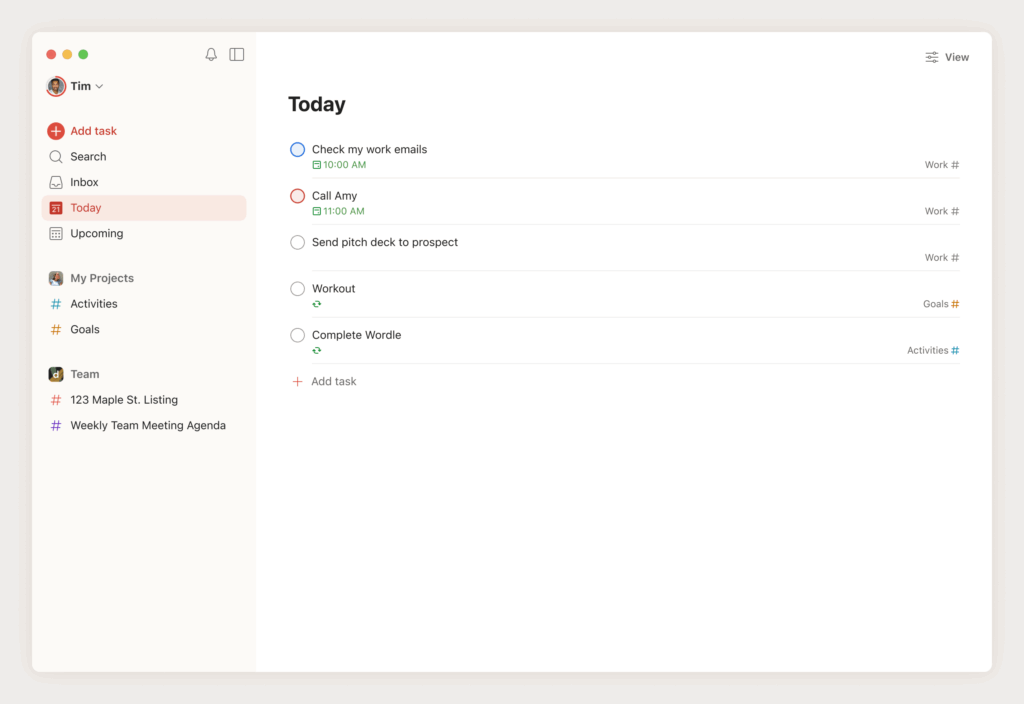
My Todoist Experiment
I started using Todoist in January 2018 because I was buried under sticky notes, ignored Outlook reminders, and half-abandoned notes scattered across my PC and phone. One week in, I deleted everything else. Seven years later, it’s still the first app I open every morning and the last one I check before bed. In this Todoist review 2025, the real proof is that no other system has ever lasted more than a few weeks.
Experiment start date: January 2018
Still active daily? Yes – 2,859 consecutive days and counting
Tasks completed: 8,700+
Average weekly tasks: 30–40
Karma level: Grandmaster (top 1% worldwide)
Estimated time saved: Hundreds of hours of missed offers, deadlines, and forgotten chores
This is what I’ve actually used Todoist for over the last seven years:
- Outplayed matched-betting pipeline (qualifiers, free bets, lay reminders)
- Crypto tax workflow (download CSVs → import to Koinly → review → pay HMRC)
- Content calendar for Mars Money Lab (this review was a recurring Friday task until I finally published it)
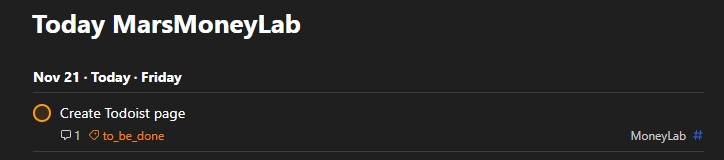
- Travel planning (LeShuttle bookings, car prep for Europe road trips, passport renewals, packing lists)
- Day-job tasks my manager dumps on me
- All the boring adult stuff (MOT, dentist, grocery runs, renewing car insurance, sorting the leaking tap)
Todoist isn’t flashy, and that’s exactly why it works. It just sits there, never crashes, never nags, and quietly makes sure nothing slips through the cracks while I juggle finance experiments, content deadlines, and real life.
Bottom line after 2,859 straight days: Todoist is the closest thing I’ve ever found to a second brain that actually works. This Todoist review 2025 is basically seven years of proof that nothing else comes close. If it ever disappeared for a week I’d have a minor existential crisis… and then immediately rebuild my entire life inside it the second it came back.
The ultimate stress test
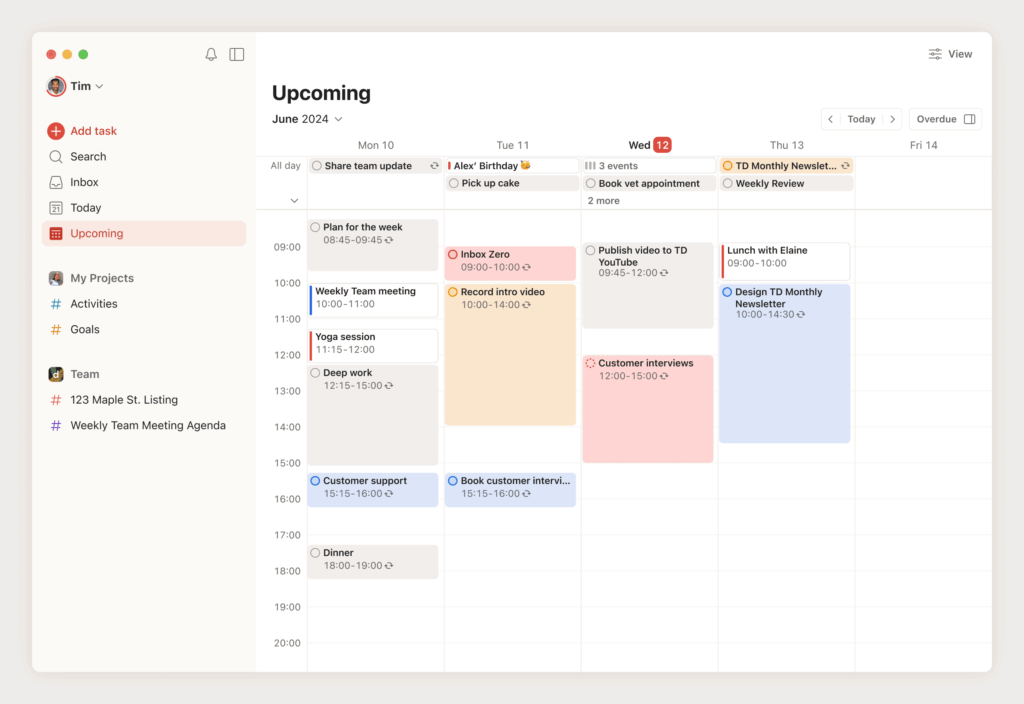
After seven years of daily use, Todoist has handled everything from quiet tax seasons to content slumps. But the real magic shows up when things get insane – like during Cheltenham Festival week in March 2025, when Outplayed’s reload offers + free bets came at me like a fire hose. I had 112 offers to complete that month alone, with one day hitting 38 live matched-betting tasks in a single day. The screenshot below is literally just the top third of my “Today” view – I had to scroll two full screens to see the rest.
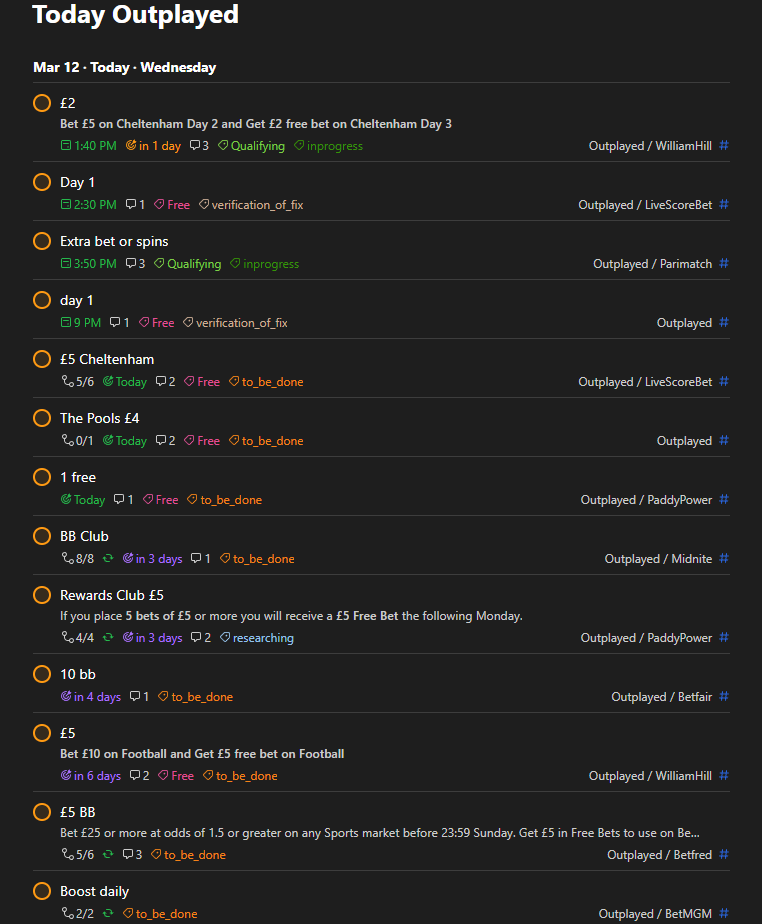
How I survived and made £465.62 that month
- Dedicated project: Outplayed
- Custom labels:
@to_be_done|@in_progress|@verification_of_fix|@qualifying|@free_bet - Every task had exact date + time + deadline
- Priorities: P1 red, P2 orange, P3 blue – instant visual hierarchy
- One killer filter I lived in:
#Outplayed & (today | overdue)sorted by time
One glance at my phone and I instantly knew what was on fire, what was in progress, and what needed fixing. It wasn’t a to-do list anymore – it was a real-time dashboard for a part-time betting business running at 100 mph.The numbers from that insane March sprint full breakdown → Outplayed Matched Betting – March 2025 Results
Moral of the story: when you’ve got 38 orange “do-or-lose-money” tasks in one day, most people would miss half the profit. Todoist turned pure panic into my most lucrative month of the year. If it can handle Cheltenham week without dropping a single ball, it can handle anything you (or life) throws at it.
How It Works
Getting started with Todoist is dead simple – sign up, add one task, and you instantly feel the difference. Here’s my step-by-step from the lab:
- Sign Up: Hit my referral link, enter your email, and verify. Free tier is already excellent if you just want to try. Pro unlocks in minutes with a card.
- Set Up Projects: Create projects like “Work”, “Investment”, “Travel” or “Personal”.
- Add Tasks: Use natural language:
Lay Paddy Power £5 free bet tomorrow 7pm #Outplayed p2.It auto-parses dates, times, and priorities. Subtasks for breakdowns, like “Import trades → Run Koinly calc → File report.” - Organize tasks: Add labels (@researching, @investing) and priorities (P1 for urgent alerts).
- Collaborate & Sync: Share projects (e.g., with a betting buddy) or integrate with Google Calendar/Outlook. Offline mode keeps you rolling during travel.
- Track & Optimize: Review Productivity graphs for streaks, use AI for suggestions (e.g., “Reschedule low-energy tasks to evenings”), and export for taxes if needed.
That’s literally it. Five minutes later you’re running the same system that survived Cheltenham days and seven years of daily use.
Todoist Review 2025: Pros and Cons
Pros:
- Intuitive natural language and cross-device sync (iOS, Android, web, desktop)
- AI assistant (2025 update) for smart prioritization and rescheduling; Karma gamification keeps streaks alive.
- 50+ templates for quick setups (e.g., “Financial Planning” or “Weekly Review”) and 100+ integrations (Zapier, calendars, email).
- Offline access and robust free tier for basics; minimalist UI reduces decision fatigue.
- Strong for personal use; lightweight collaboration without bloat.
Cons:
- Advanced AI and unlimited projects require Pro subscription; recent price tweaks irked some users .
- Learning curve for power filters/labels if you’re spreadsheet-only.
Overall, in my task management app 2025 experience, pros dominate for solo productivity – it’s earned 4.7/5 stars across 2,600+ verified reviews for a reason.
Try It Yourself

Ready to finally get your life (and money experiments) under control? It’s transformed my chaotic Outplayed reload weeks and Koinly deadlines into pure calm. Grab the free tier via my referral link – no commitment, instant clarity. Start small: Import your top 3 tasks today and watch the Karma points roll in. Questions? Drop a comment or DM @MarsMoneyLab on X.
*Disclaimer: I’m not a productivity guru – just a lab rat testing tools. Todoist rocks for my setup, but results vary. Do your own experiments, and remember: no app replaces action!


